
Prompt Workflow Builder turns one complicated AI request into a clear, reusable sequence of prompts that ChatGPT, Gemini, Claude, or any other assistant can follow one step at a time. Instead of stuffing every instruction into a single message and hoping for the best, a prompt workflow lets you break the job into small stages, define variables once, and pass each step’s output straight into the next.
Prompt Workflow Builder
Turn one complicated AI task into a clear, reusable sequence of prompts for ChatGPT, Gemini, Claude, or any other AI assistant.
Define the result
Variables
Use variables such as {{topic}} in any prompt field.
Workflow steps
Give each step one clear job, then pass its result to the next step.
Workflow check
Find vague instructions, missing outputs, broken variables, oversized steps, and weak handoffs.
Strengthen the workflow
Get more practical AI creator tips
Join the AIToolCritic list for new free tools, fixes, and step-by-step tutorials.
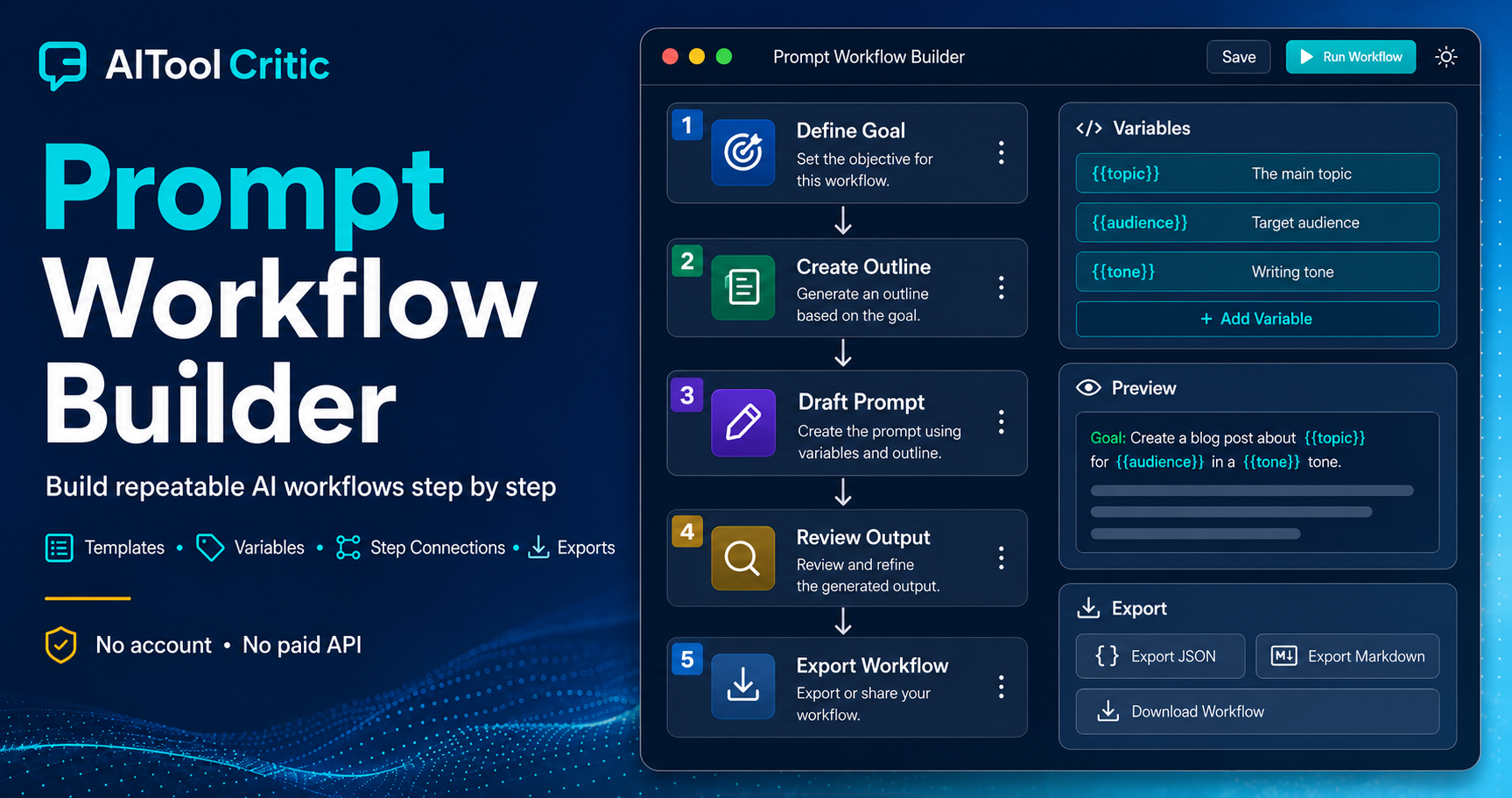
How the Prompt Workflow Builder Works
Start by naming your workflow and choosing a target AI tool, or leave it AI-neutral if you plan to run the steps across different assistants. Define the final goal, the intended audience, and the output format you need before adding steps. Reusable variables such as {{topic}} or {{audience}} mean you never have to retype the same details in every step of the workflow.
- Add as many steps as the task needs, each with its own purpose, role, and instructions
- Pass the output of one step into the next step automatically
- Preview the complete workflow or just a single step before you run anything
- Save a workflow in your browser, or export and import it as JSON
Why You Need a Prompt Workflow, Not One Giant Prompt
Long, single-shot prompts tend to bury important instructions and produce inconsistent results. A prompt workflow forces you to separate planning from execution, which keeps each request focused and easier for the model to follow accurately. It also makes revisions painless: if one step produces a weak answer, you only need to adjust that step rather than rewriting the whole prompt from scratch.
Key Features of This Prompt Workflow Builder
- No account, uploads, or paid API required to build or run a workflow
- Conversation strategy controls, so you can keep every step in one chat or start fresh chats where needed
- A quality checklist attached to each step, to catch vague instructions before you run them
- Markdown and plain text export for sharing a finished workflow with a team
Best Use Cases for Multi-Step AI Workflows
A prompt workflow is especially useful for content pipelines, research projects, and repeatable business tasks. Content teams can use one workflow to move from brief to draft to publish-ready copy, while researchers can chain a clarification step into a structured plan. If a step’s output ever comes back vague or off-target, run it through the Garbage Output Rescue tool before moving on to the next stage of the workflow.
Tips for Designing a Reliable Prompt Workflow
Give each step exactly one job. If a step asks the model to plan, write, and format all at once, split it into three smaller steps instead. Before saving a step, run it through the Prompt Analyzer to catch weak or ambiguous instructions early. For long source documents feeding into a step, check the token counter and chunker first so you stay within the model’s context limits. It also helps to review general prompt engineering guidance and, for multi-step tasks specifically, guidance on chaining prompts together so every handoff between steps stays explicit.
Frequently Asked Questions
Is this Prompt Workflow Builder free to use?
Yes. There is no account, no upload requirement, and no paid API needed to build or run a workflow.
Which AI tools can I use with a saved workflow?
Any of them. A workflow can be built AI-neutral or targeted at ChatGPT, Gemini, or Claude.
Can I reuse a workflow for different topics?
Yes. Add variables like {{topic}} once and simply update their values each time you reuse the workflow.
Does my workflow data leave the browser?
No. Workflows are saved locally in your browser, and you can export or import them as JSON whenever you want a backup.
