
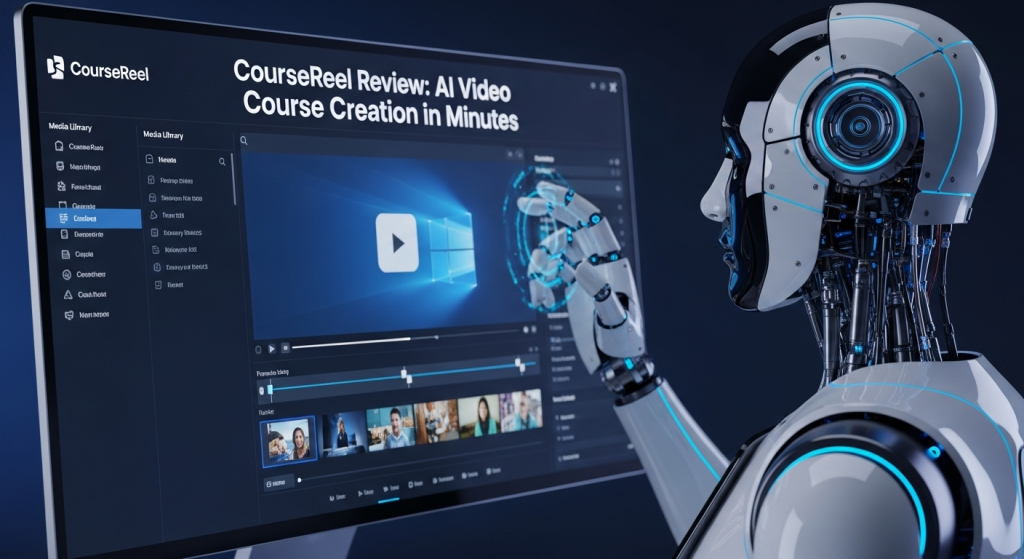
CourseReel: Create Video Courses with AI Instantly
Our Verdict
So, what’s the final word? We think CourseReel is an incredibly fast AI tool for turning simple ideas into complete video courses. OMG, you have to see how it takes a single keyword and generates an entire course outline and script—it’s wild! It’s an absolute game-changer for entrepreneurs and marketers who need to create lead magnets or training videos but get totally stuck on the whole “filming and editing” nightmare. The only catch is that the AI voices, while good, can still sound a bit robotic, which might not be perfect for premium, high-ticket courses. If that’s a deal-breaker for you, check out InVideo, which is better for users who need more creative control and a wider variety of templates for general marketing videos, not just courses. (Last Verified: August 13, 2025)
Why It Exists
Let’s be real: creating a video course is a HUGE pain. You have to brainstorm the topic, write the script, record the audio, find b-roll footage, and then spend hours editing it all together. It’s a massive technical and creative hurdle that stops most experts from sharing their knowledge. CourseReel exists to completely demolish that barrier. It automates the entire workflow, from idea generation to final video export, so you can focus on your knowledge instead of getting bogged down by complicated video software.
Key Features
AI Course Topic & Script Generation
This is the magic right here. Just feed it a keyword, and the AI will generate a full course outline, complete with multiple lessons and a full script for each one. It completely solves the “blank page” problem.
Audio & Text To Video Conversion
Got an old blog post, podcast, or just an audio recording? Upload it, and CourseReel will analyze the content and automatically create a video with relevant stock footage, text overlays, and animations to match.
Huge Royalty-Free Media Library
You get access to millions of high-quality video clips, images, and background music tracks right inside the app. No more searching endless stock sites or worrying about copyright strikes.
Camtasia-Style Timeline Editor
While it’s AI-driven, you’re not locked in. It features a simple-to-use timeline editor that lets you tweak the final output, trim clips, and customize elements to get your video just right.
CourseReel vs. The Competition
- Choose CourseReel if… your primary goal is to create educational content or training modules from scratch, fast. Its workflow is specifically built for the course creation process.
- Choose InVideo if… you need a more general-purpose video creator for social media ads, YouTube explainers, and promos, and you value a massive library of diverse video templates over a specialized course-building workflow.
Who Should Skip This?
Professional Videographers
If you live and breathe Adobe Premiere Pro or DaVinci Resolve and want granular control over every single frame, color grade, and effect, this tool’s automated approach will feel far too restrictive.
Creators of High-End, Premium Courses
If you’re selling a $2,000+ signature course, your audience will expect a personal touch. Relying solely on stock footage and AI voices can feel impersonal and may not align with a premium brand image.
Pricing
- Starter – $47 (One-Time Payment): Perfect for individuals just starting out who want to create their first few courses with all the core AI features.
- Unlimited – $97 (One-Time Payment): The best value for serious creators who want to produce unlimited videos without any restrictions.
- Agency – $197 (One-Time Payment): Ideal for freelancers and agencies who want to create and sell video courses for clients.
(Note: This pricing reflects a typical launch special and may change. Always check the official site for the most current pricing.)
Frequently Asked Questions
What exactly is CourseReel? CourseReel is a cloud-based AI software that helps you create video courses by automating everything from scriptwriting to video production using stock media and AI narration.
Is CourseReel really a one-time payment? Typically, CourseReel is offered for a one-time fee during its launch periods. However, this can change, so it’s best to check the sales page. There are also optional one-time-offer (OTO) upgrades for more features.
Can I use my own voiceover in CourseReel? Yes! While it has powerful text-to-speech, you can easily upload your own audio narration and the AI will build the video around it.
Does CourseReel have a free trial? CourseReel does not typically offer a free trial, but it usually comes with a 14 or 30-day money-back guarantee.
Can I create videos in different languages? Yes, the AI and text-to-speech engine support a wide variety of languages, allowing you to create courses for a global audience.
Is CourseReel good for beginners? Absolutely. It’s designed specifically for people with little to no video editing or creation experience. If you can type a keyword, you can create a video course.
➡️ Ready to see it in action? Visit the official CourseReel site!
